
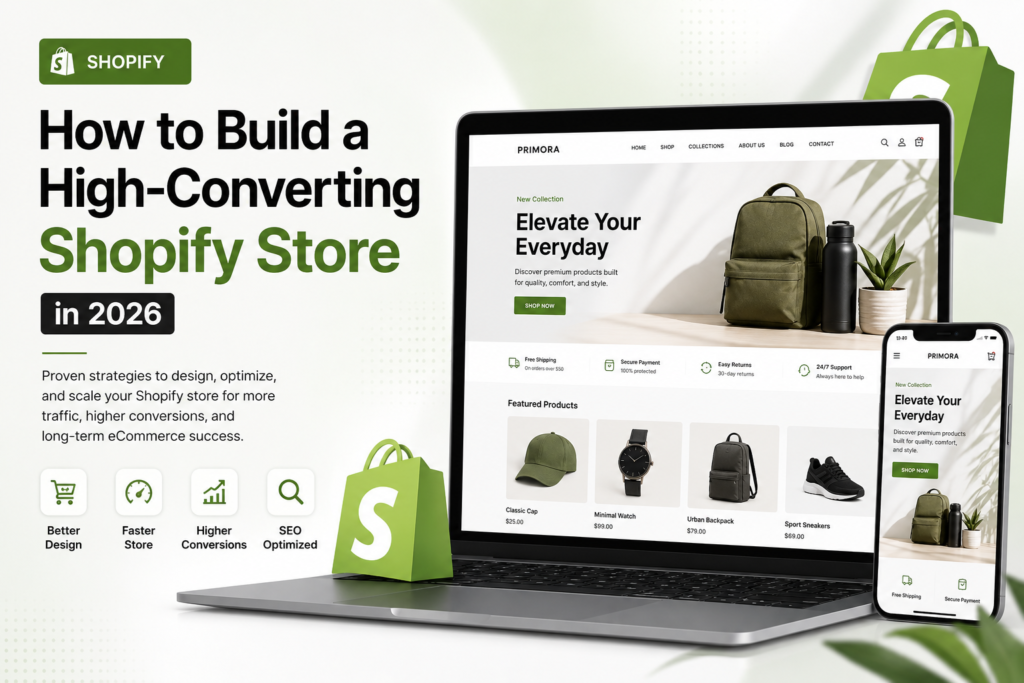
How to Build a High-Converting Shopify Store | Primora Commerce
Building a successful Shopify store is about much more than choosing an attractive theme and adding products. A high-performing online store needs to provide a smooth shopping experience, communicate value clearly, load quickly, work well on mobile devices, and guide visitors toward making a purchase.
Whether you’re launching a new brand or improving an existing Shopify store, small improvements across your website can have a significant impact on conversions and long-term growth.
In this guide, we’ll cover practical Shopify strategies for creating a professional, user-friendly, SEO-friendly, and conversion-focused online store in 2026.
Start With a Clear Shopify Store Strategy
Before choosing a theme or installing apps, define what you want your Shopify store to accomplish.
Think about your target customers, products, pricing, competitors, brand positioning, and the actions you want visitors to take.
A clear strategy helps you make better decisions about your store structure, design, navigation, content, and marketing.
Your Shopify store should make it easy for visitors to answer three questions:
– What are you selling?
– Why should they choose your products?
– How can they buy?
If those answers aren’t immediately clear, visitors may leave before exploring your products.
Choose a Professional Shopify Design
Your store design creates the first impression of your brand.
A professional design should reflect your brand identity while keeping the shopping experience simple and intuitive. Avoid filling your website with unnecessary animations, pop-ups, colors, or design elements that distract customers from your products.
Focus on:
– Clear typography
– Consistent branding
– High-quality product images
– Simple navigation
– Strong visual hierarchy
– Clear calls to action
– Easy-to-use menus
– Consistent layouts across pages
A beautiful Shopify store should also be functional. Design decisions should support the customer journey rather than simply making the website look impressive.
Optimize Your Shopify Product Pages
Product pages are where many purchasing decisions are made.
A strong product page should provide enough information for customers to understand the product, evaluate its benefits, and feel confident about purchasing.
Include:
– Clear product titles
– Detailed product descriptions
– High-quality images
– Product benefits and features
– Pricing and availability
– Product variations
– Customer reviews
– Shipping information
– Return or refund information
– Clear add-to-cart buttons
Instead of focusing only on product specifications, explain how the product can help the customer.
Improve Your Product Images
Customers can’t physically examine products through an online store, so images play an important role in the buying decision.
Use high-quality images that clearly show your products from useful angles. Depending on the product, consider adding lifestyle images, close-up details, size references, or product demonstrations.
At the same time, avoid uploading unnecessarily large image files. Proper image optimization can help maintain good website performance without sacrificing visual quality.
Make Your Shopify Store Mobile-Friendly
A large percentage of online shoppers use mobile devices.
Your Shopify store should therefore be designed and tested for smartphones as well as desktop computers.
Check that:
– Text is easy to read
– Buttons are easy to tap
– Product images display correctly
– Menus are simple to use
– Forms work properly
– Product variations are easy to select
– Checkout works smoothly
Don’t assume that a desktop-perfect website automatically provides a good mobile experience. Test important customer journeys directly on different screen sizes.
Improve Shopify Store Speed
Performance can affect both user experience and conversions.
Large images, excessive apps, unnecessary scripts, videos, and poorly optimized theme elements can slow down your store.
Review your installed apps regularly and remove anything your business no longer needs.
Also consider optimizing images, reducing unnecessary page elements, and using a lightweight theme structure where appropriate.
A faster store gives visitors a smoother browsing experience and makes it easier for customers to explore products and complete purchases.
Keep Shopify Navigation Simple
Customers should be able to find products quickly.
Organize your store into logical categories and make important pages easy to access.
Your navigation may include:
– Home
– Shop
– Product Categories
– About
– Contact
– FAQ
– Shipping
– Returns
Avoid creating complicated menus with too many unnecessary options.
Good navigation helps customers find what they’re looking for while also making it easier for search engines to understand your website structure.
Simplify the Checkout Experience
Getting customers to add products to their cart is only part of the process. You also need to make completing the purchase as easy as possible.
Review your checkout experience and look for unnecessary friction.
Make important information clear, including:
– Product totals
– Shipping costs
– Delivery information
– Available payment options
– Return policies
– Contact information
Unexpected costs or confusing checkout steps can cause customers to abandon their purchases.
Use Shopify Apps Strategically
Shopify’s app ecosystem provides tools for marketing, customer support, analytics, reviews, email marketing, product management, and other functions.
However, installing too many apps can create unnecessary complexity and potentially affect website performance.
Before adding an app, ask:
– Does my store actually need this?
– Does it solve a specific business problem?
– Will it improve the customer experience?
– Could another existing tool provide the same functionality?
Use apps strategically rather than installing them simply because they’re popular.
Optimize Your Shopify Store for SEO
A well-designed Shopify store also needs a strong SEO foundation.
Focus on important areas such as:
– Product titles
– Product descriptions
– Page titles
– Meta descriptions
– URL structure
– Image alt text
– Internal linking
– Collection pages
– Helpful content
– Mobile usability
– Website performance
Create content that answers the questions your potential customers are actually searching for.
SEO should be approached as a long-term strategy rather than a one-time task.
Build Trust With Customers
Visitors need confidence before they purchase from an online store, especially when they’re discovering a brand for the first time.
Add genuine trust signals throughout your customer journey.
These can include:
– Customer reviews
– Testimonials
– Clear return policies
– Secure payment options
– Shipping information
– Contact details
– Frequently asked questions
– Professional product photography
Avoid making unrealistic claims or using fake reviews. Authenticity is important for building long-term customer relationships.
Use Clear Calls to Action
Your website should guide customers toward the next step.
Calls to action can encourage visitors to:
– Shop Now
– Add to Cart
– Buy Now
– Explore Products
– Get Started
– Contact Your Business
Make your calls to action visually clear without overwhelming the page with too many competing buttons.
A strong CTA should match the visitor’s stage in the buying journey.
Track Shopify Store Performance
You can’t effectively optimize a store without understanding how customers interact with it.
Monitor metrics such as:
– Conversion rate
– Average order value
– Traffic sources
– Product performance
– Cart abandonment
– Returning customers
– Revenue
– Customer acquisition costs
Use this information to identify where customers are dropping out and which parts of your store are performing well.
Data can help you make informed improvements rather than relying entirely on assumptions.
Keep Testing and Improving
A high-converting Shopify store is never truly finished.
Customer behavior, competition, products, and market conditions can change over time. Continue testing different product page layouts, images, offers, calls to action, content, and promotional strategies.
Even small changes can produce meaningful improvements when they’re based on reliable data.
The goal isn’t to redesign your entire store every few months. Instead, make strategic improvements based on what your customers and performance data are telling you.
Final Thoughts
Building a high-converting Shopify store requires more than selecting a theme and uploading products. Design, product pages, website performance, mobile usability, SEO, navigation, checkout, trust, and conversion optimization all work together to create a successful shopping experience.
Whether you’re launching a new Shopify brand or improving an existing store, focusing on the customer journey can help you attract visitors, build trust, increase conversions, and create a stronger foundation for long-term eCommerce growth.
Ready to Build or Improve Your Shopify Store?
If you need help creating a professional Shopify store, optimizing your existing store, improving product pages, or building a better customer experience, explore our Shopify Services.
Primora Commerce can help you build and optimize a Shopify store designed around your brand, customers, and business goals.