
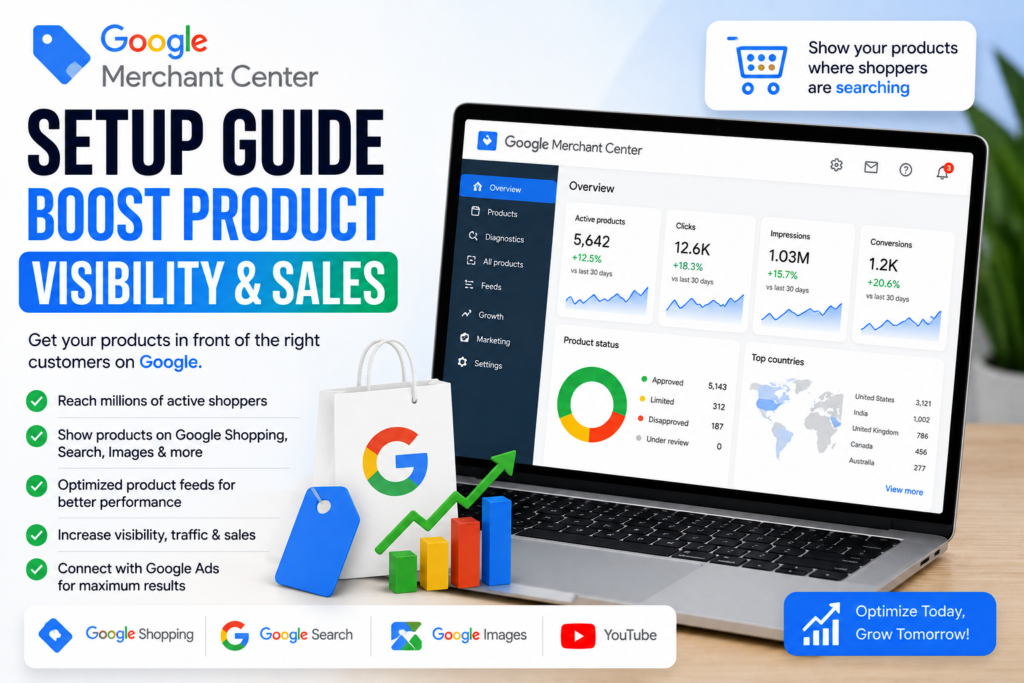
Google Merchant Center Setup | Primora Commerce
Getting your products discovered online is essential for growing an eCommerce business. Google Merchant Center helps businesses submit and manage product information so their products can appear across Google’s shopping-related experiences.
However, simply creating a Merchant Center account isn’t enough. Your product data needs to be accurate, complete, and properly optimized to give Google the information it needs to understand and display your products.
In this guide, we’ll walk through the key steps involved in Google Merchant setup, product feed optimization, account configuration, and ongoing improvements that can help increase product visibility and attract more qualified shoppers.
What Is Google Merchant Center?
Google Merchant Center is a platform that allows businesses to upload and manage information about the products they sell online.
Your product information can then be used across eligible Google surfaces, helping potential customers discover your products when they search for relevant products or shopping-related queries.
For eCommerce businesses, Merchant Center can become an important part of a broader strategy that combines product optimization, SEO, paid advertising, and conversion optimization.
Why Google Merchant Center Matters for eCommerce
Customers often begin their buying journey by searching for a specific product on Google.
A properly configured Merchant Center account can help your products become more discoverable when shoppers are looking for what you sell.
The benefits can include:
Better product visibility
More qualified shopping traffic
Improved product information
Better control over product feeds
Opportunities to appear across Google’s shopping experiences
More useful product performance data
The quality of your product information plays an important role in how effectively Google can understand your inventory.
How to Set Up Google Merchant Center
1. Create Your Merchant Center Account
Start by creating your Google Merchant Center account and providing your business information.
Make sure your business name, website, contact information, and other account details accurately represent your business.
Consistency is important, especially when connecting Merchant Center with your eCommerce website.
2. Add and Verify Your Website
Your website should be connected to your Merchant Center account and properly verified.
Make sure the website you’re submitting is your actual business website and that customers can access your products, checkout process, shipping information, and other important pages.
Before submitting products, check that your website is working correctly on both desktop and mobile devices.
3. Configure Your Business Information
Complete the important business settings inside Merchant Center.
Depending on your business and target market, this can include information related to:
Business details
Shipping
Returns
Customer support
Target countries
Currency
Tax settings where applicable
Accurate information helps create a more reliable shopping experience.
4. Connect Your Product Feed
Your product feed provides Google with information about the products in your store.
Important product attributes can include:
Product title
Description
Product URL
Image
Price
Availability
Brand
GTIN or other product identifiers where applicable
Product category
Shipping information
If you’re using platforms such as Shopify or WooCommerce, product data can often be connected through an appropriate integration or feed system.
Keeping your feed synchronized is important because changes to your store—such as price, inventory, or product availability—need to be reflected accurately.
5. Optimize Product Titles
Product titles are one of the most important elements of your product data.
Instead of using vague titles, create clear titles that describe exactly what the product is.
For example:
Weak:
Premium Shoes
Better:
Men’s Leather Running Shoes – Black
Your product title should accurately describe the product while naturally including useful information that shoppers may search for.
Avoid keyword stuffing or misleading information.
6. Write Better Product Descriptions
Product descriptions should clearly explain what the product offers and why it is useful.
Include relevant information such as:
Key features
Product benefits
Materials
Size or dimensions
Compatibility
Important specifications
Usage information
Keep the content easy to understand and make sure it accurately represents the actual product.
7. Use High-Quality Product Images
Images have a major impact on how shoppers perceive products.
Use clear, professional product photography and make sure your primary image accurately represents the product being sold.
Avoid using misleading images, excessive text overlays, or images that don’t clearly show the actual product.
Also optimize image file sizes where possible so your website remains fast.
8. Keep Product Data Accurate
One of the biggest mistakes businesses make is allowing product information to become outdated.
Your Merchant Center data should match the information customers see on your website.
Pay particular attention to:
Price
Availability
Product URLs
Images
Product variants
Shipping information
If a product is unavailable on your website but your feed still shows it as available, it can create problems for both shoppers and your product data quality.
9. Fix Merchant Center Product Issues
After connecting your products, regularly review Merchant Center for warnings or errors.
Common problems can involve:
Missing product information
Incorrect prices
Availability mismatches
Missing identifiers
Invalid product URLs
Image problems
Shipping configuration
Policy-related issues
Don’t simply ignore these notifications. Resolving product data problems can improve the quality and reliability of your catalog.
10. Optimize Your eCommerce Website
Merchant Center works best when your product feed and website provide consistent, accurate information.
Your product pages should have:
Clear product names
Accurate descriptions
High-quality images
Visible pricing
Availability information
Easy navigation
Secure checkout
Clear shipping and return information
A well-optimized product feed can attract visitors, but your website ultimately needs to convert those visitors into customers.
11. Monitor Performance and Improve
Setting up Merchant Center is not a one-time task.
Review your product performance regularly and look for opportunities to improve your titles, descriptions, images, pricing, landing pages, and overall shopping experience.
Use the available performance information to identify which products are attracting attention and which may need further optimization.
Google Merchant Setup for Shopify and WooCommerce
If your store is built with Shopify or WooCommerce, maintaining accurate product information across your store and Google Merchant Center is especially important.
Product changes should be reflected consistently across your catalog, including prices, inventory, images, descriptions, and product URLs.
A properly configured integration can reduce manual work while helping keep your product data synchronized.
Final Thoughts
A successful Google Merchant setup involves much more than creating an account and uploading products. Your website, product feed, product information, images, shipping settings, and overall customer experience all need to work together.
By maintaining accurate product data and continuously optimizing your listings, you can build a stronger foundation for increasing product visibility and attracting more qualified eCommerce shoppers.
Need Help With Google Merchant Center?
If you need help with Google Merchant setup, product feed optimization, or resolving Merchant Center issues, explore our Google Merchant Center Setup Service and let Primora Commerce help optimize your product visibility and eCommerce presence.